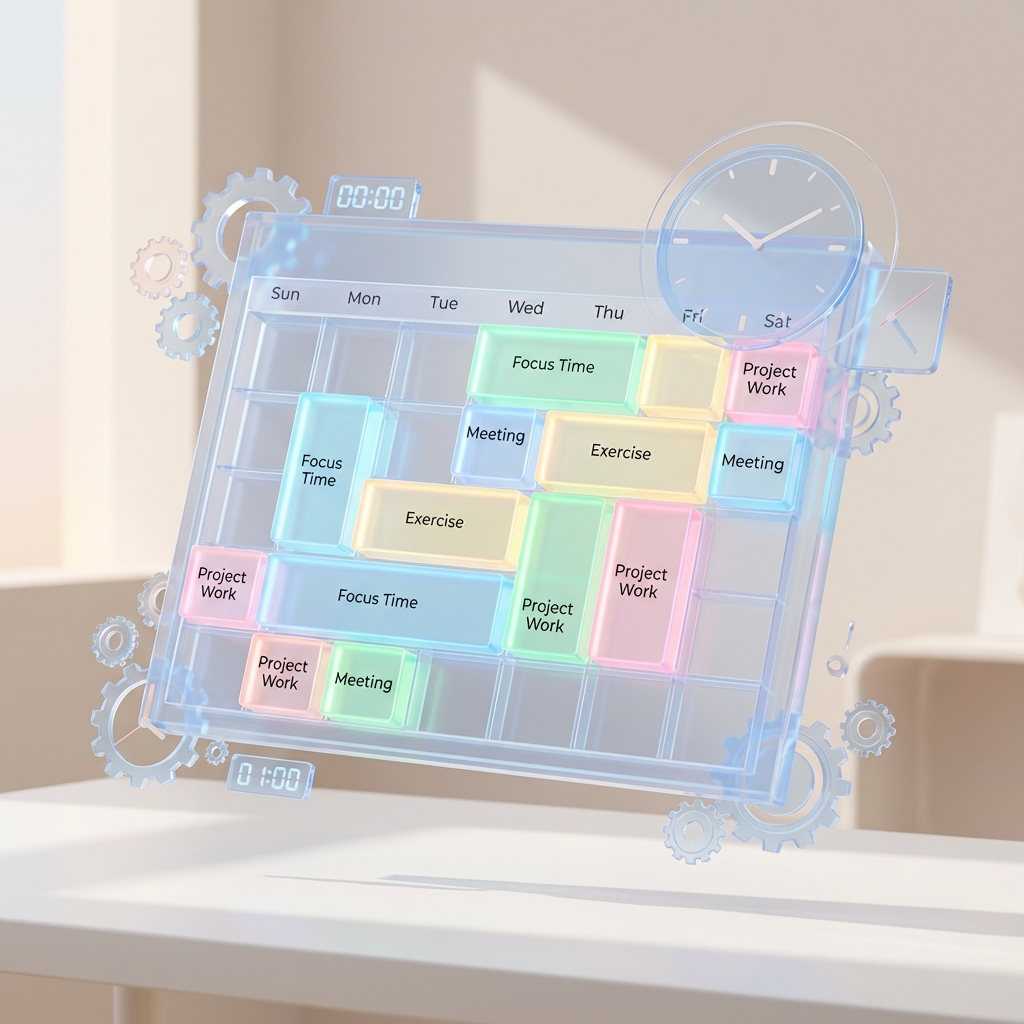
Google Calendar Hacks for Power Users
Google Calendar is the operating system of the modern remote worker. If you aren't customizing it, you're leaving productivity on the table.
1. "Speedy Meetings"
Go to Settings > Event Settings > Speedy meetings. This automatically shortens 30-minute meetings to 25 minutes and hour-long meetings to 50 minutes. Why? It guarantees you a bio-break and time to grab water before the next call starts. No more back-to-back fatigue.
2. Color Code by Context
Don't let everything be default blue.
- Red: Deep Work (Do not disturb).
- Green: Meetings.
- Yellow: Admin/Email time.
- Purple: Personal/Health. One glance gives you an audit of your week. Are you spending too much time in green and not enough in red?
3. Enable "World Clock"
Working with a global team? Go to Settings > World Clock. Add the timezones of your key teammates (e.g., London, NYC, Tokyo). They will appear on the sidebar. Saves you from constantly Googling "time in California right now."
4. Shortcuts
- Press
Wfor Week view. - Press
Mfor Month view. - Press
Tto jump to Today. - Click and drag on the calendar to instantly create an event.
Treat your calendar as a sacred territory. If it's not on the calendar, it doesn't exist.