Productivity2 min read
Silence the Noise: Best Noise Cancelling Apps for Calls
We've all been there. You're unmuted on a Zoom call, presenting to a client, and suddenly your neighbor decides to drill a hole in the wall. Or your dog sees a squirrel.
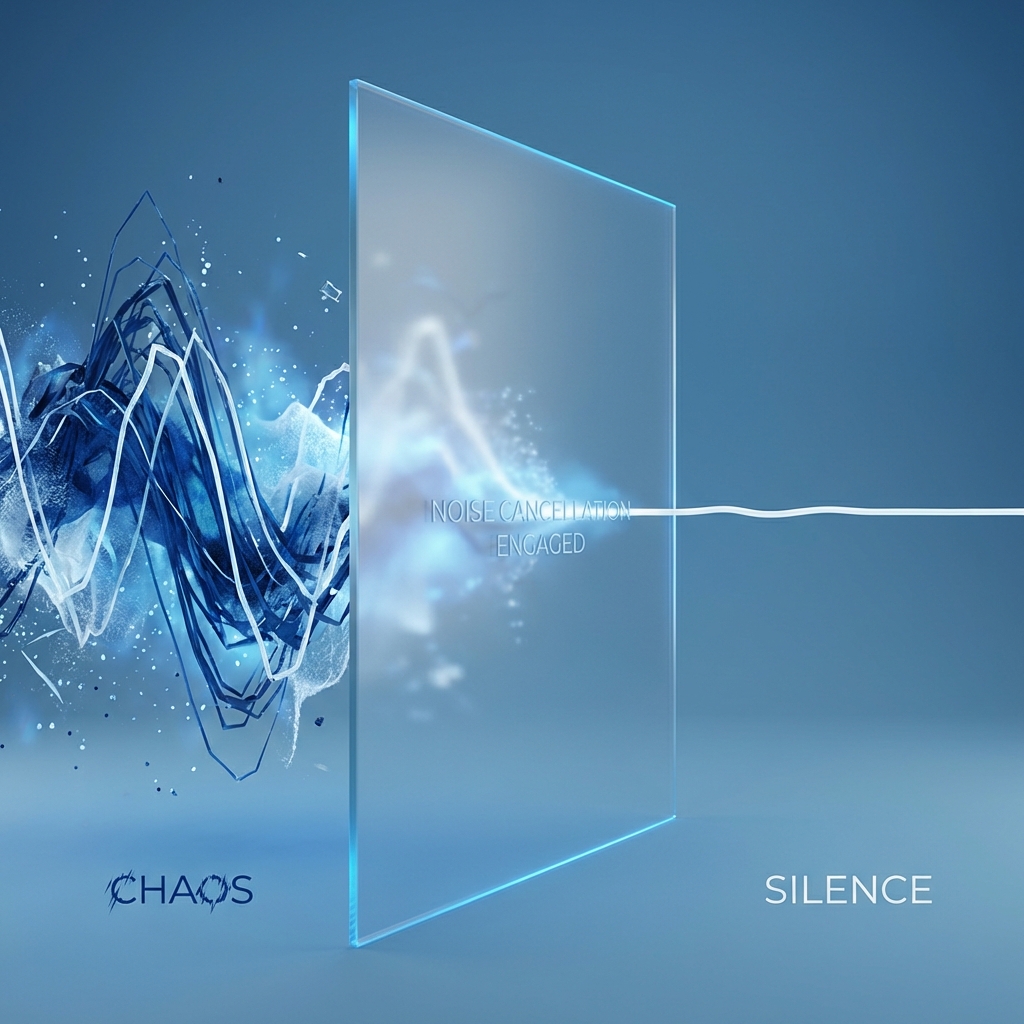
Headphones help you hear, but they don't always stop the microphone from picking up the chaos around you. Use these apps to create a cone of silence.
1. Krisp.ai (The Gold Standard)
Krisp is magic. It sits between your microphone and your calling app (Zoom, Teams, Slack).
- How it works: It uses AI to recognize the human voice and filters out everything else in real-time.
- The Test: You can literally clap your hands while talking, and the other side won't hear the clap.
- Pros: Works twoway (cancels incoming noise from others too).
- Price: Has a generous free tier (60 mins/day).
2. NVIDIA Broadcast
If you have an NVIDIA RTX graphics card, you already have this powerful tool properly.
- Pros: Free if you own the hardware. Also includes video effects like auto-frame and eye-contact correction.
- Cons: Heavy on system resources. Not for Mac users.
3. Zoom/Teams Built-in Suppression
Before installing new software, check your settings.
- Zoom: Go to Settings > Audio > "Suppress background noise". Set it to High.
- Teams: Settings > Devices > Noise suppression.
Verdict: If you make calls from cafes or a noisy home, Krisp is a non-negotiable tool. It is the cheapest insurance for your professional image.